Desktop + iOS clientProcess on desktop, then let reading continue across desktop and iOS.
Inkora should not feel split across unrelated apps. Desktop stays focused on preparation, tasks, and exports, while iOS carries the finished library forward for lighter reading on iPhone and iPad. Your books and reading history stay on your device — a better fit if privacy matters to you.
Two modes, one appKeep heavy work on desktop, then continue reading on the device that fits the moment.
One app covers the whole journey. Convert on desktop, then continue reading on desktop or iOS — everything stays connected, from the first file you drop in to the last chapter you finish.
Task workspace
Everything you need to convert in one focused workspace — PDF to EPUB, translation, manga, TXT, and audiobook generation.
- Task queue, progress, and result downloads stay in one place.
- Familiar layout, no learning curve.
- Useful when users move from preparation to export without leaving the app.
Local reader
Open and read your books on desktop, or pick up where you left off on iOS. Your content and reading history stay on your device — the right choice for personal files, internal documents, or anything you'd rather keep off the cloud.
- Your books and reading history stay on your device, with no risk of private content leaking.
- iOS is better for quick return, commute reading, and taking the same book away from the desk.
- One account can cover collect, convert, read, and listen without breaking context.
Format coverageEPUB at the center, with support for every format you actually use.
The interface stays consistent while the reading area adapts to the content type, so you never need a different app for a different format.
EPUB
Core mode with chapter tree, reading theme, notes, and long-form typography.
PDF
Fixed-layout reading with zoom, page navigation, and document fidelity.
Comic ZIP
Image-first reading flow for archives, spreads, and page turns.
TXT
Fast import for plain text, lightweight chapter structure, and clean long-form reading.
M4B
Audiobook playback with chapter resume, cover art, and a dedicated listening mode.
See the appDesktop and mobile, built as one.
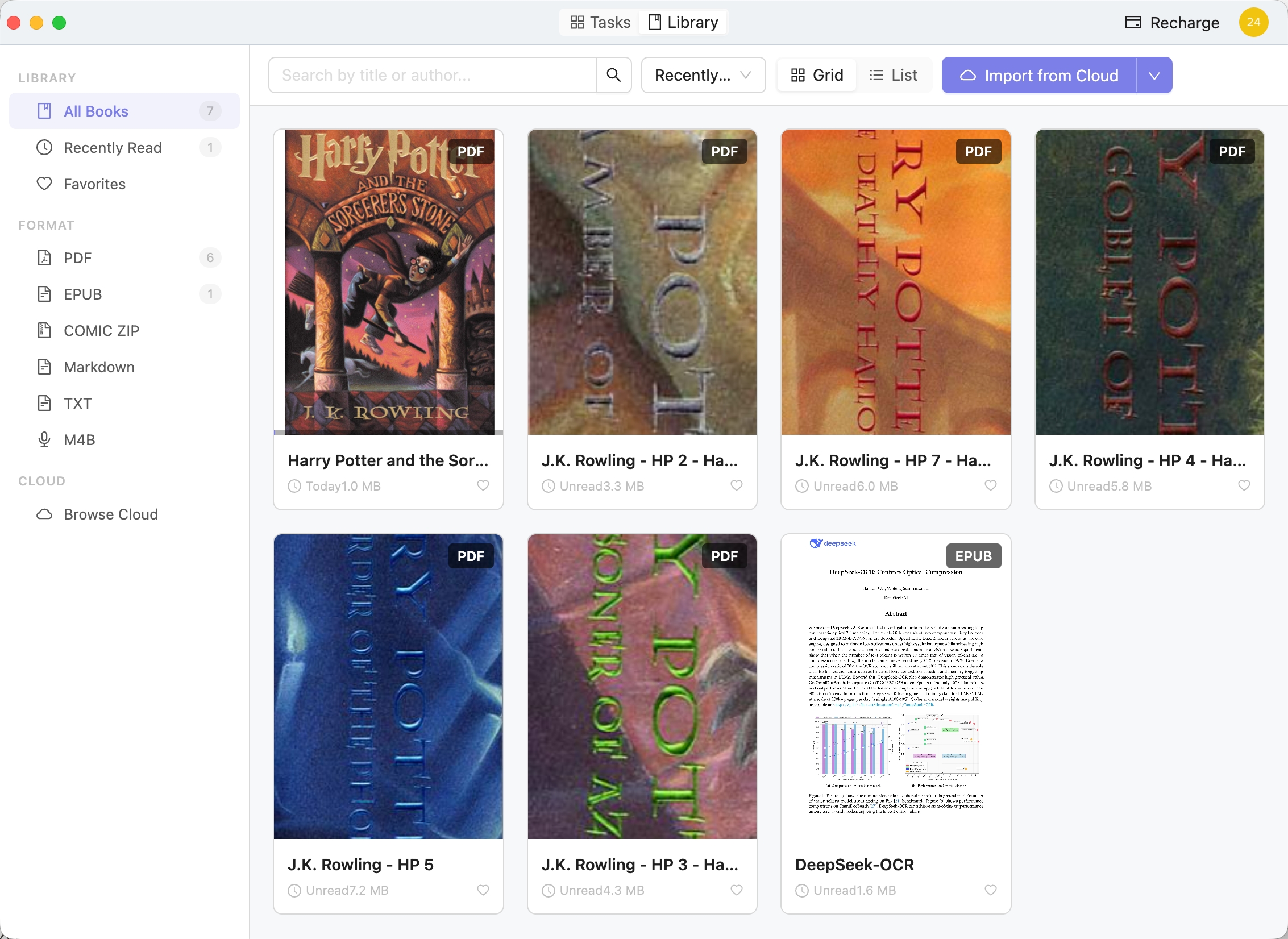
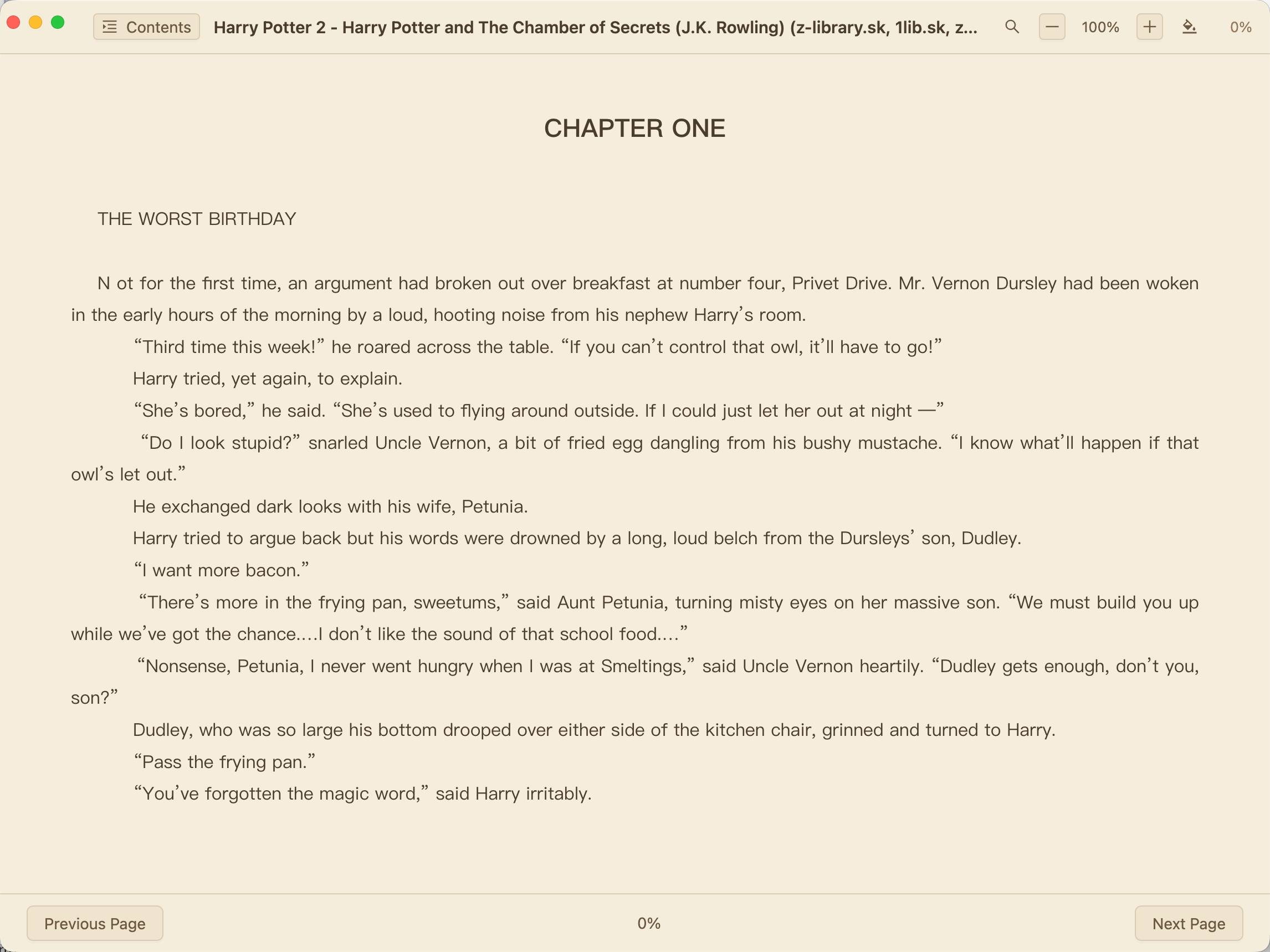
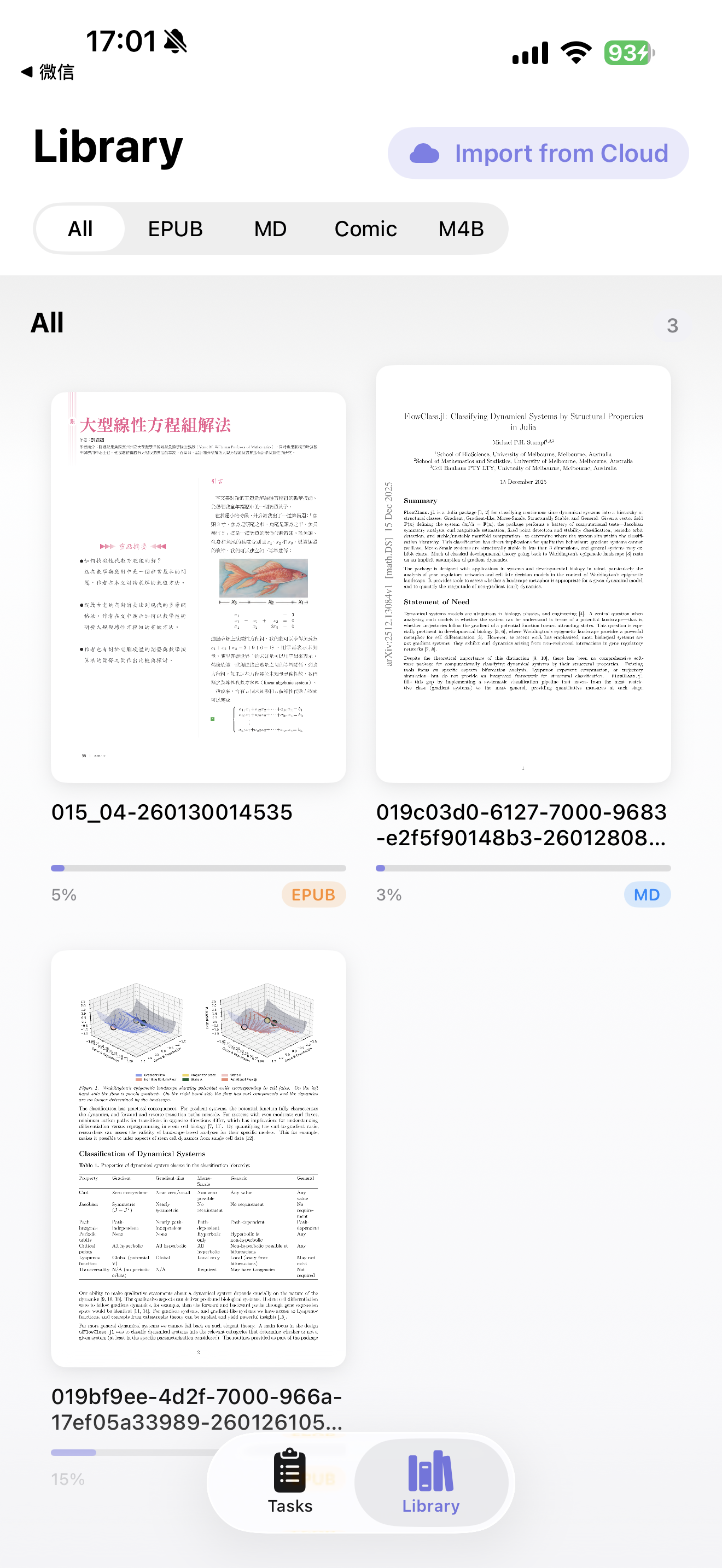
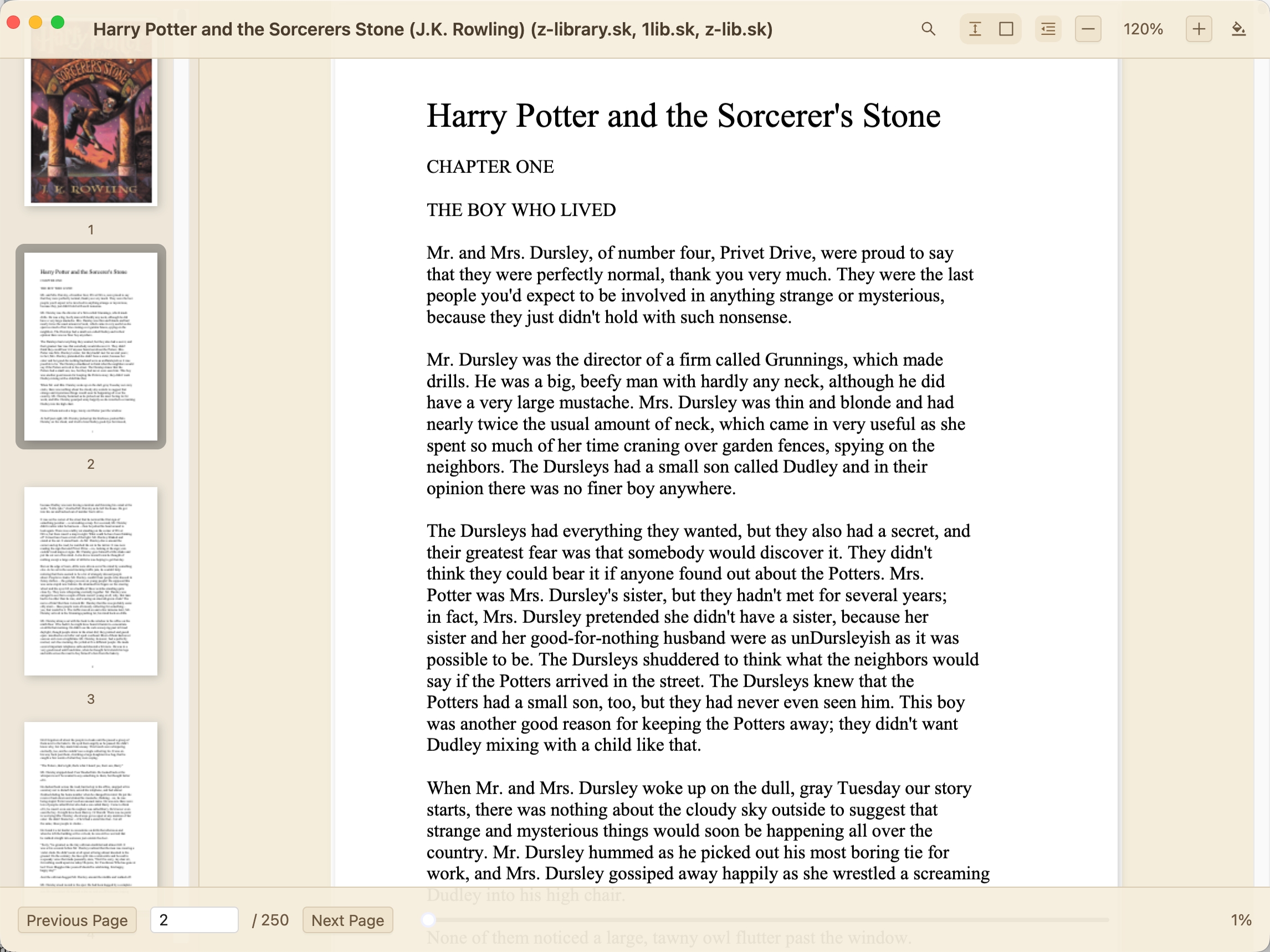
Bookshelf manages collection and re-entry, EPUB handles immersive reading, PDF preserves document fidelity, and iOS carries the same library into a lighter mobile context.
Bookshelf
A library view for recent books, covers, and fast return to reading.
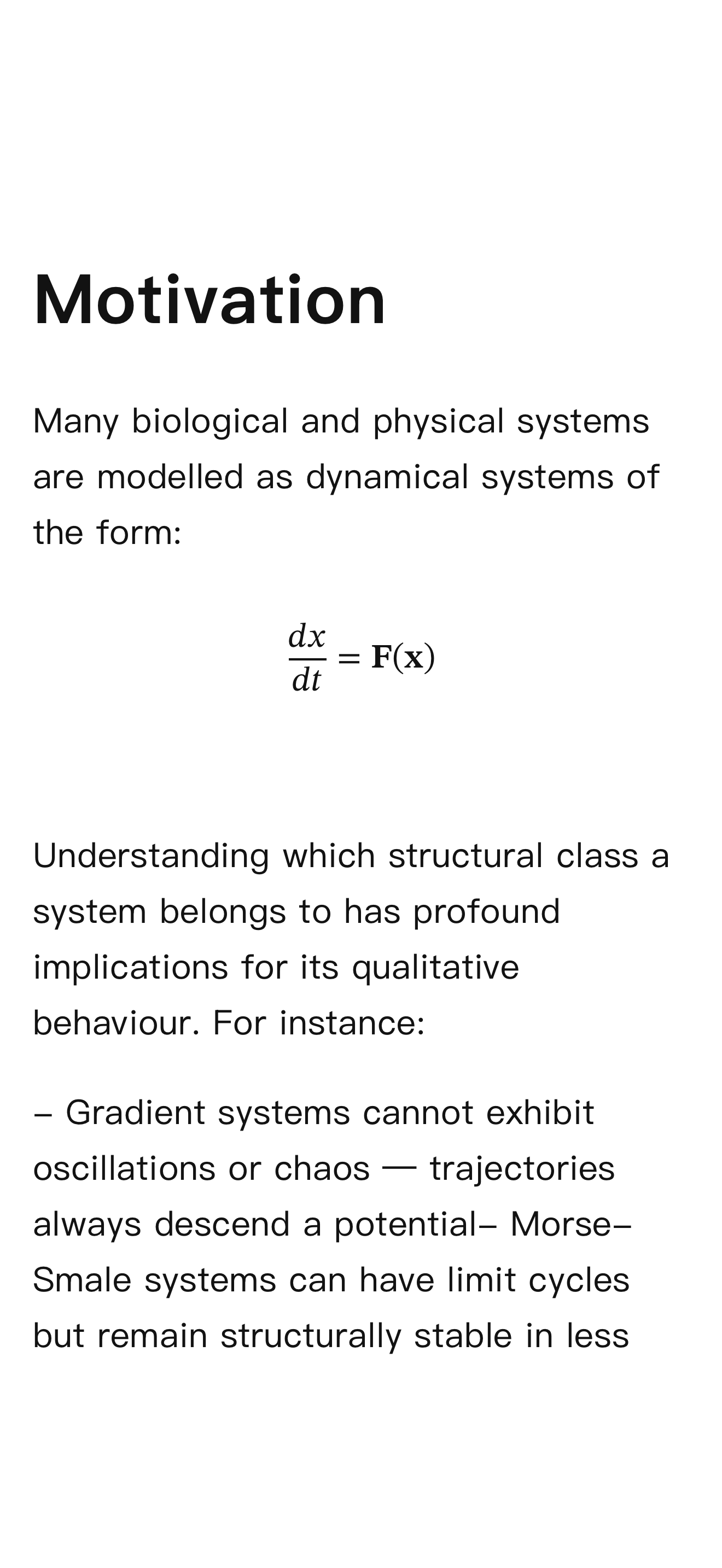
EPUB reader
Warm, distraction-free reading with chapter controls and flexible typography.
PDF reader
Precise, page-by-page reading that preserves the original layout exactly as intended.
iOS reader
Your synced mobile library — pick up where you left off, anywhere.